You’ve tried dictation.
Swifly is different.
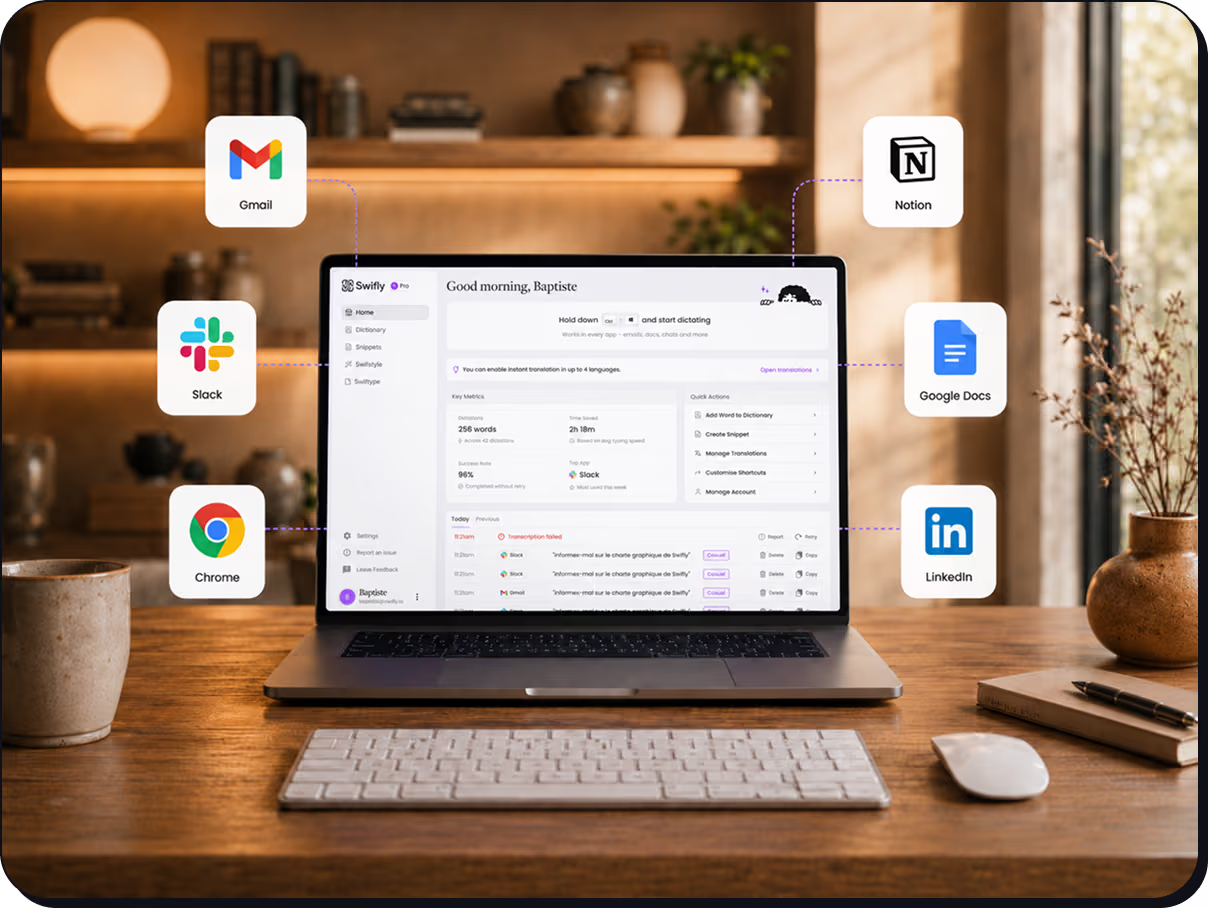
Swifly turns your voice into clear, ready-to-send text — with punctuation, structure, and AI edits built in. Works in every app, on every device.
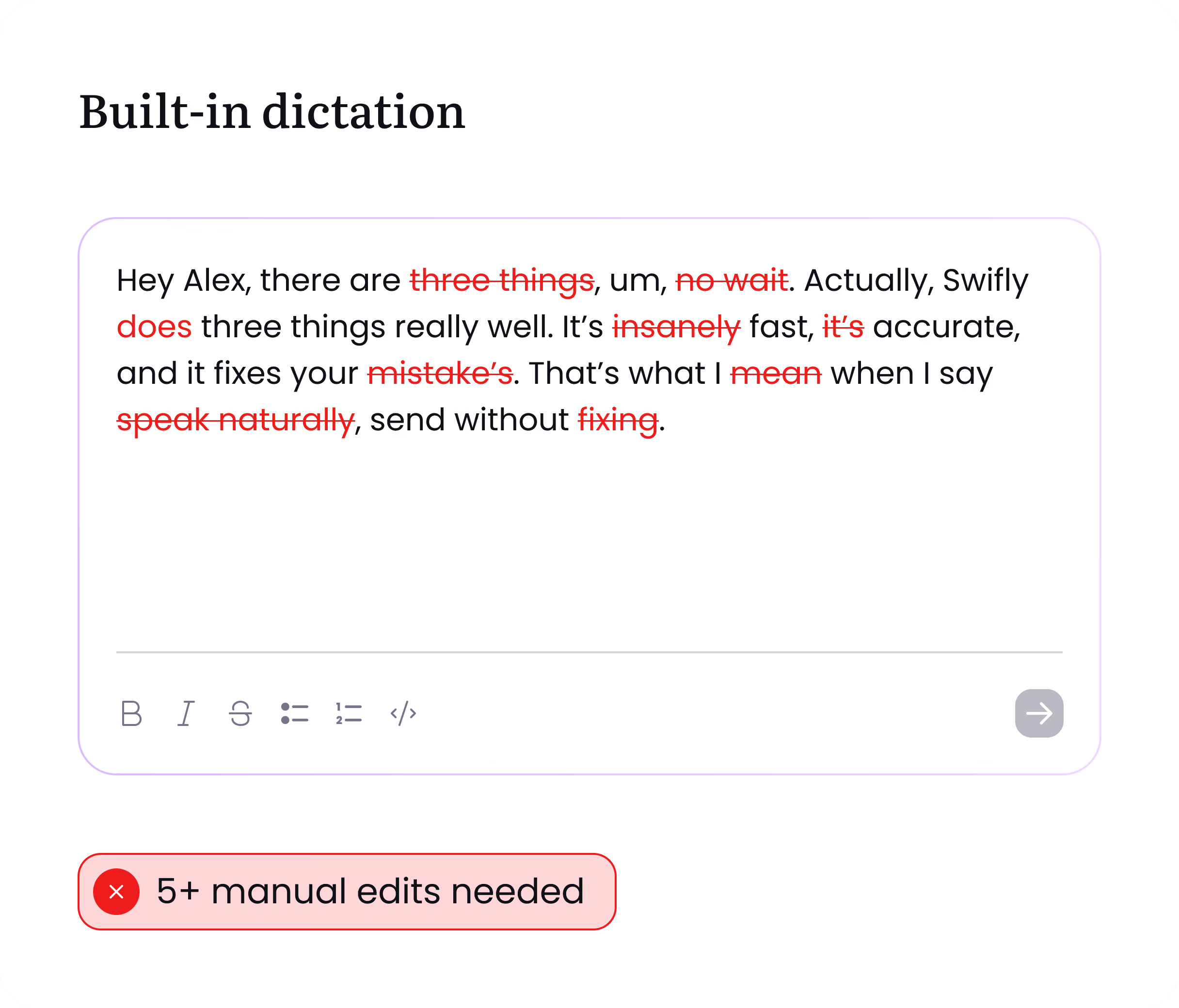
Swifly vs. built-in dictation
Built-in dictation writes what you say. Swifly turns what you meant into clean, structured, ready-to-send text.


Zero-edit rate across voice tools
Swifly zero-edit rate
OpenAI
ElevenLabs
Siri
Source: Swifly Zero-Edit Rate Benchmark
Clean, polished text that’s ready to send.
Built-in voice modes capture what you say, understand your corrections, and format everything into text you can send immediately.

Catches your corrections
Say “Let’s meet at 5... actually 6 pm.”
Swifly understands the correction and gives you:
“Let’s meet at 6 pm.”
Formats lists, paragraphs, and emails
Swifly automatically structures what you say into clean paragraphs, bullet lists, and ready-to-send emails.
Gets uncommon names and terms right
Swifly uses context from your screen and your personal dictionary to spell names, brands, and technical terms accurately.
One tool, every app, every device
Use Swifly across desktop and mobile, in any text box, with one faster, more accurate voice workflow that learns how you write.
Frequently asked questions
How is Swifly different from built-in dictation?
Built-in dictation turns your voice into text. Swifly turns your voice into finished writing.
It understands what you mean, removes hesitations, handles corrections, improves structure, adapts the tone, and can even rewrite or translate your text. It is designed for real work: emails, documents, chats, support replies, CRM notes, and more.
What happens when I correct myself while speaking?
Just keep speaking naturally.
If you say something like “no, actually…” or correct a name, sentence, or idea, Swifly uses your final intention and cleans up the text automatically. Instead of keeping every false start, it produces a clear final version.
Doesn’t built-in dictation already add punctuation and formatting?
Sometimes, yes. But Swifly goes much further.
Swifly can structure your ideas into clean paragraphs, format replies, improve clarity, adapt the tone, respect your custom vocabulary, and turn rough spoken thoughts into polished text that is ready to send.
Built-in dictation is free. Why would I pay for Swifly?
Swifly is not just dictation. It is a writing assistant powered by your voice.
You pay for the time saved after dictation: less editing, fewer rewrites, better formatting, clearer messages, and a more professional result across the apps you already use. For people who write a lot every day, Swifly quickly becomes faster than typing or fixing basic dictation.
Can I use Swifly in any app?
Yes. Swifly is designed to work wherever you write.
You can use it in emails, documents, messaging apps, CRMs, support tools, browsers, notes, and more. Just speak, and Swifly helps you turn your voice into clean text in the app you are using.