
Speak naturally.
Swifly writes it perfectly.
Swifly learns your words, phrases and tone, and kepps them consitent accros every app and device.


Advanced AI model
100+ languages. Every accent. Even whispers.
Swifly understands natural speech and turns it into clean, accurate writing.

Name recognition
Names spelled right. Automatically.
Swifly uses your context to recognize names, places, and key terms with precision.

Works in any app
Dictate anywhere you can type.
Swifly works across your apps, just like your keyboard.
Works wherever you work
Swifly runs seamlessly on desktop and mobile, keeping your voice in sync across every device.
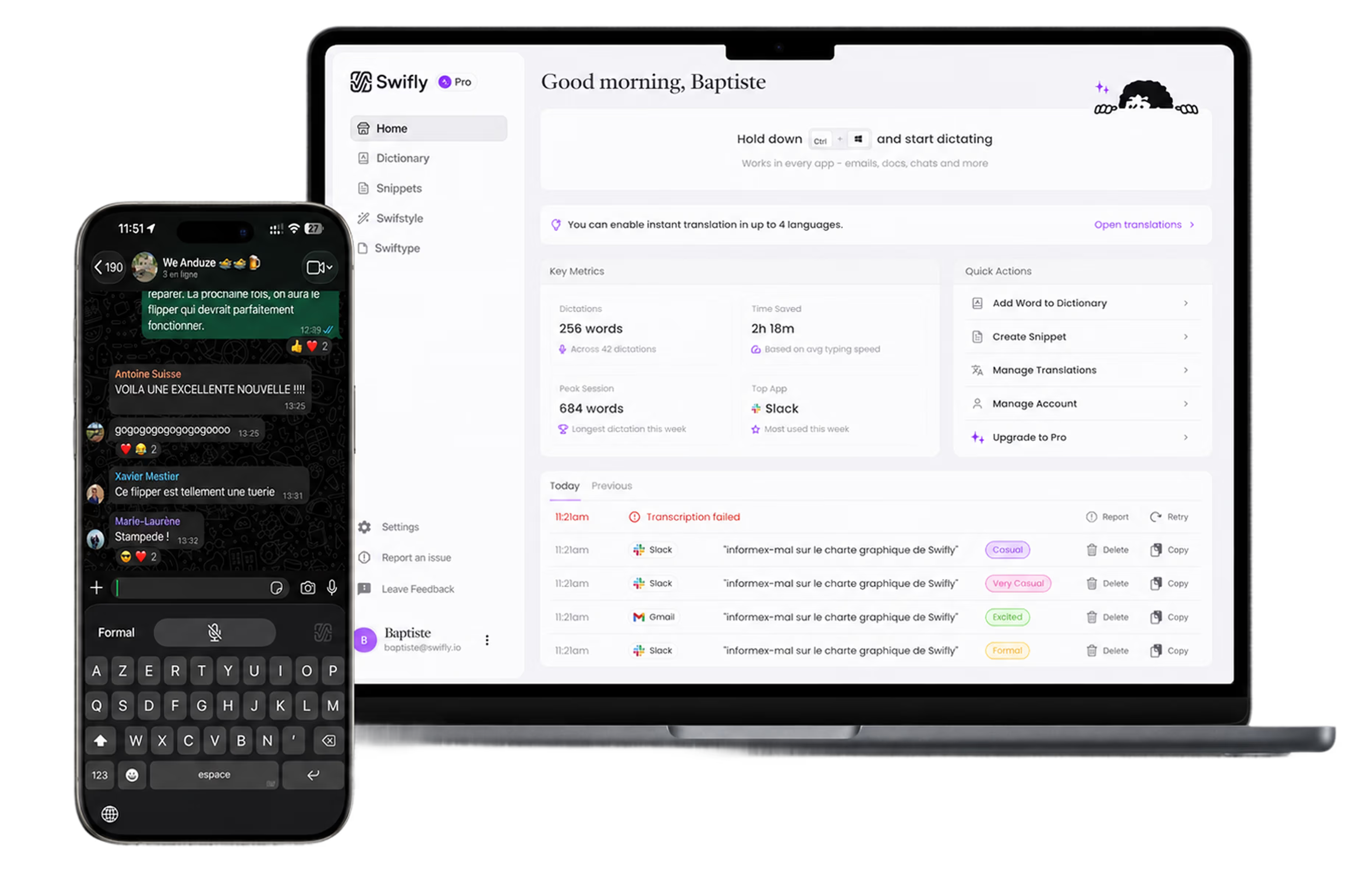
Swifly polishes while you speak.
Swifly goes beyond basic dictation: cleaning up filler words, formatting lists, catching punctuation, and understanding corrections in real time.
Backstrack
Swifly understands when you change your mind. Say “Let’s meet at 2… actually 3,” and Swifly writes the corrected version instantly.
Remove fillers
Swifly removes “um,” “uh,” repeated words, and awkward pauses so your text sounds clean, natural, and ready to send.
Numbered lists
Just speak your list naturally. Say “First apples, second bananas, third oranges,” and Swifly turns it into a clean, formatted list.
Auto punctuation
Swifly adds punctuation automatically based on your speech. You can also dictate marks like “comma” or “question mark” when you want extra precision.

Swifly adapts to you.
Swifly learns your words, phrases, and tone, and keeps them consistent across every app and device.

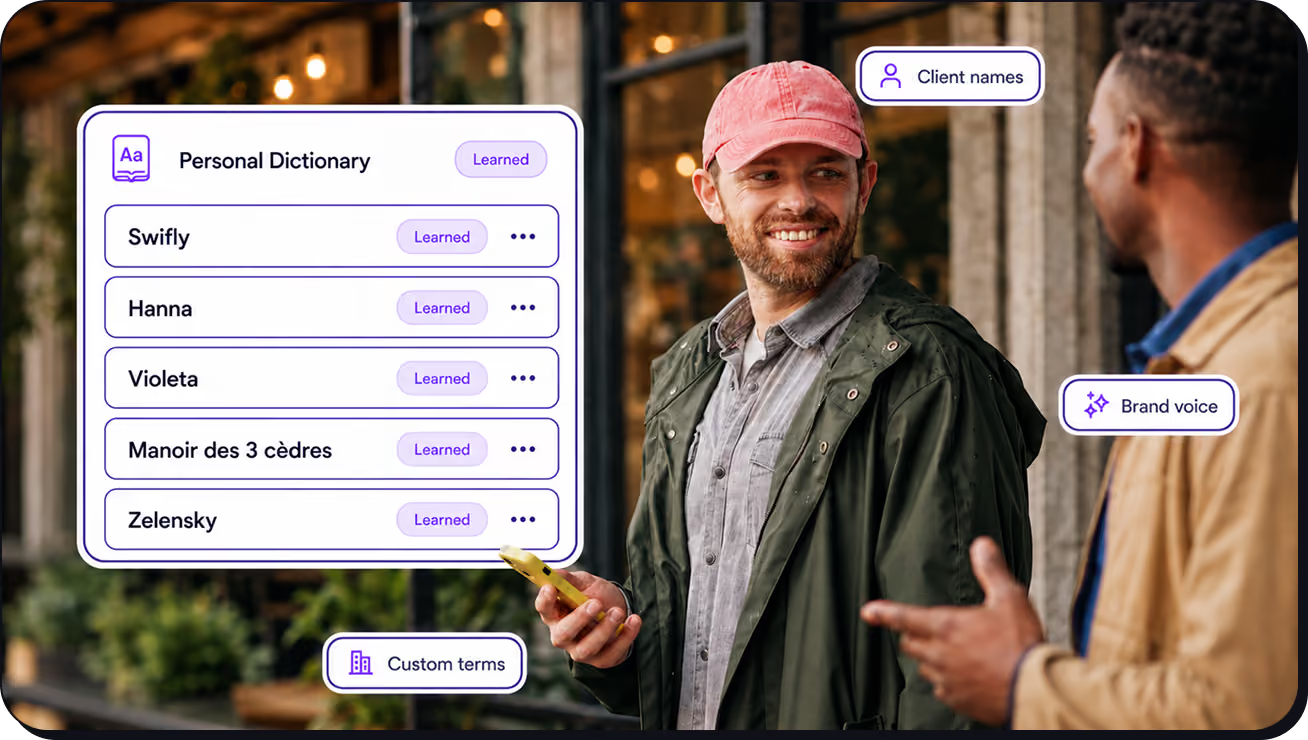
Dictionary
Swifly lets you save the phrases you use again and again. Create shortcuts for replies, emails, notes, or messages, then insert polished text instantly anywhere you write.
Names & companies
Industries vocabulary
Learns from connections
Learns from connections
Snippets
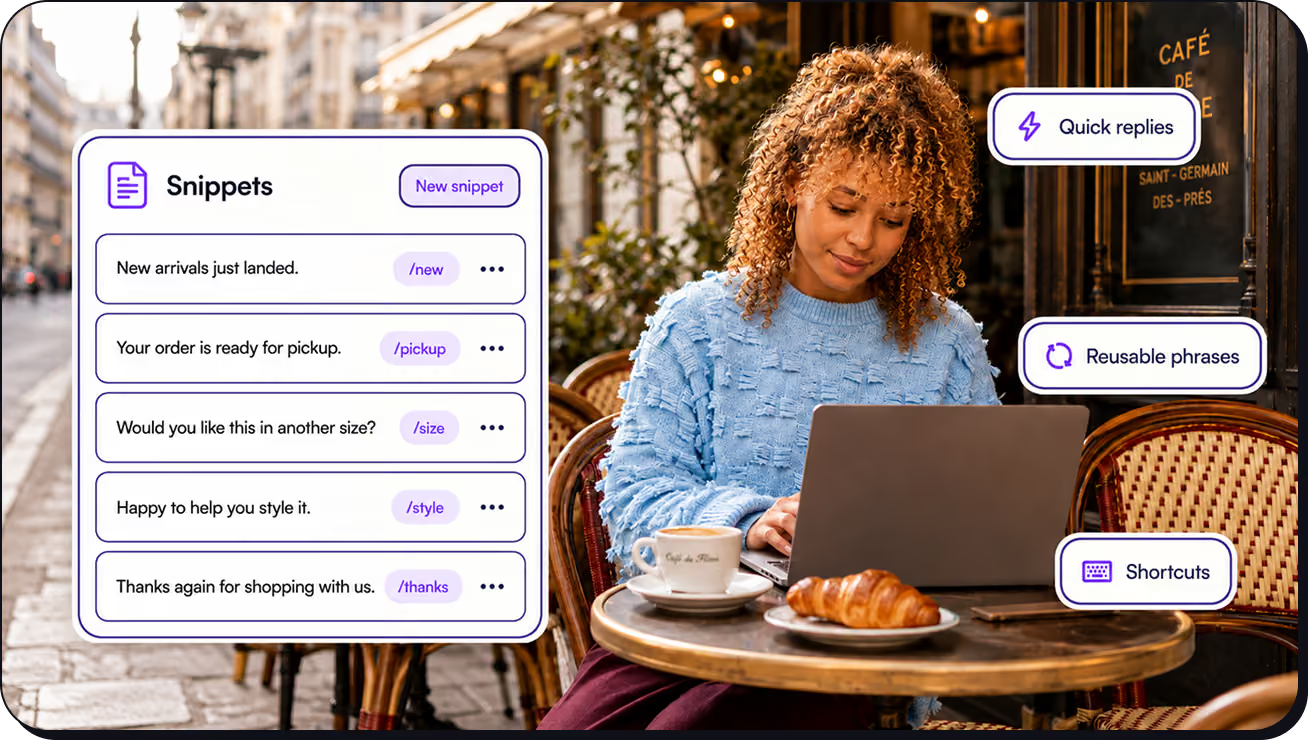
Swifly lets you save the phrases you use again and again. Create shortcuts for replies, emails, notes, or messages, then insert polished text instantly anywhere you write.
Quick replies
Reusable phrases
Smart shortcuts
Learns from connections
Styles
Swifly adapts your writing tone to every situation. Choose between casual, very casual, formal, or excited, and turn your voice into text that matches the exact style you need.
Casual - Friendly, natural
Very casual - Relaxed, simple
Formal - Clear, professional
Learns from connections

Work better together with shared voice tools.
Swifly helps teams move faster with shared context, consistent language, and tools that keep everyone aligned.


Shared dictionary
Add your team names, jargon, product terms, and acronyms to a shared dictionary so communication stays consistent for everyone.

Shared snippets
Create shortcuts for the things your team types often, like calendar links, support replies, or FAQs. Say it once, and Swifly inserts it the next time.

Usage dashboards
Track adoption and impact with metrics like total words, top users, and usage trends. Enterprise teams get even deeper insights.
