The voice layer for modern legal work.
Swifly turns speech into accurate, structured, professional text across your legal workflow — from client communication to case preparation.

Speak naturally.
Swifly writes it clearly.
Swifly learns your words, phrases and tone, and kepps them consitent accros every app and device.


Legal-grade dictation
Capture legal thoughts, case notes, and client details. Clearly. Accurately.
Swifly understands natural speech and turns it into structured, professional writing for legal work.

Name recognition
Client names, companies, and legal terms. Spelled right. Automatically.
Swifly uses context to recognize the names, entities, and terminology that matter in your practice.

Works in any app
Dictate wherever you work.
Use Swifly in email, documents, case notes, and legal tools — anywhere you can type.
Works wherever you work
Swifly runs seamlessly on desktop and mobile, keeping your voice in sync across every device.
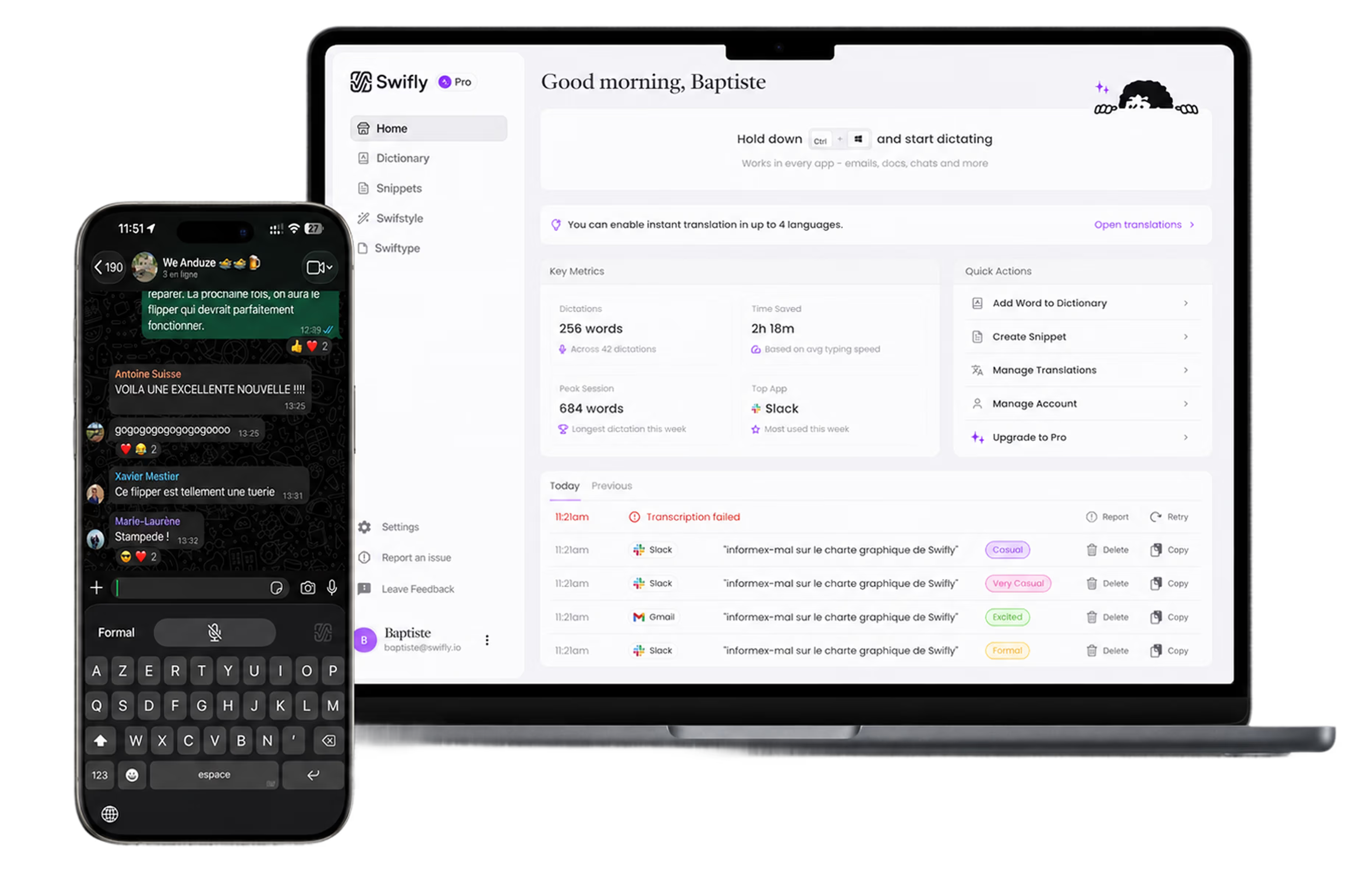
Turn your voice into faster legal drafting.


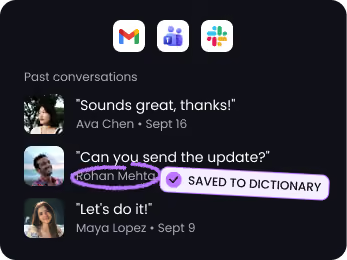
Get every name right
Swifly recognizes the names, companies, and terms you use most — so your voice turns into accurate text, even with tricky spelling.


One voice. 100+ languages.
Swifly understands the language you're speaking and transcribes it instantly — even when you move between English, French, Spanish, Italian, and more.








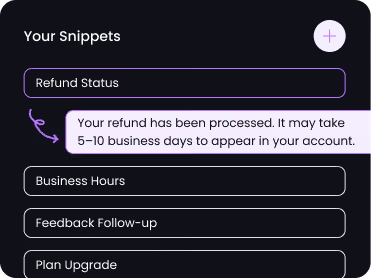
Snippet library
Save your most-used replies as voice shortcuts. Say "refund status" and Swifly inserts the full message instantly.
Private by design
Swifly dictation uses cloud processing and requires an internet connection. Read our privacy policy for details on data handling, retention and privacy controls.



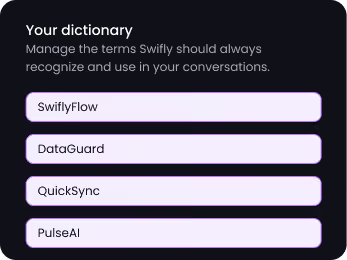
Personal dictionary
Swifly automatically learns your custom terms, abbreviations, and jargon, then adds them to your personal dictionary for more accurate responses.
Polish or translate any text in one click
Select something you typed or dictated. Hit the wand to clean it up, or the globe to translate it — right where you're working.
Dictate in one language, write in another
Pick a target language once, then dictate as you always do. Swifly types the translation straight into your email, chat, or doc — no copy-paste, no switching tools.
The right tone for every app
Swifly knows where you're writing. The same words come out formal in Gmail, casual in Slack, and relaxed in WhatsApp — no rewriting needed.
Built for the way lawyers actually work
Swifly goes beyond basic dictation: cleaning up filler words, formatting lists, catching punctuation, and understanding corrections in real time.
After a client call
Capture key facts and follow-ups before they slip away.
During case prep
Turn scattered notes into structured summaris, plans, and next steps.
Before a draft
Talk through your ideas and get a faster, clearer first draft.
Capture ideas anywhere
At your desk, in court, or beteen meetings.
Stay consistent
Keep your thinking flowing, even on busy days.
Focus on what matters
Less typing? More strategy. Better outcomes.