Less typing. More closing.
Dictate follow-ups, CRM updates, LinkedIn messages, and sales notes in seconds. Swifly keeps every message fast, clear, and human.

Sell faster with your voice.

Sales follow-ups, handled faster
Speak your follow-up once. Swifly turns it into a clear, polished sales message, CRM update, or next-step note — without switching tools or slowing the deal down.

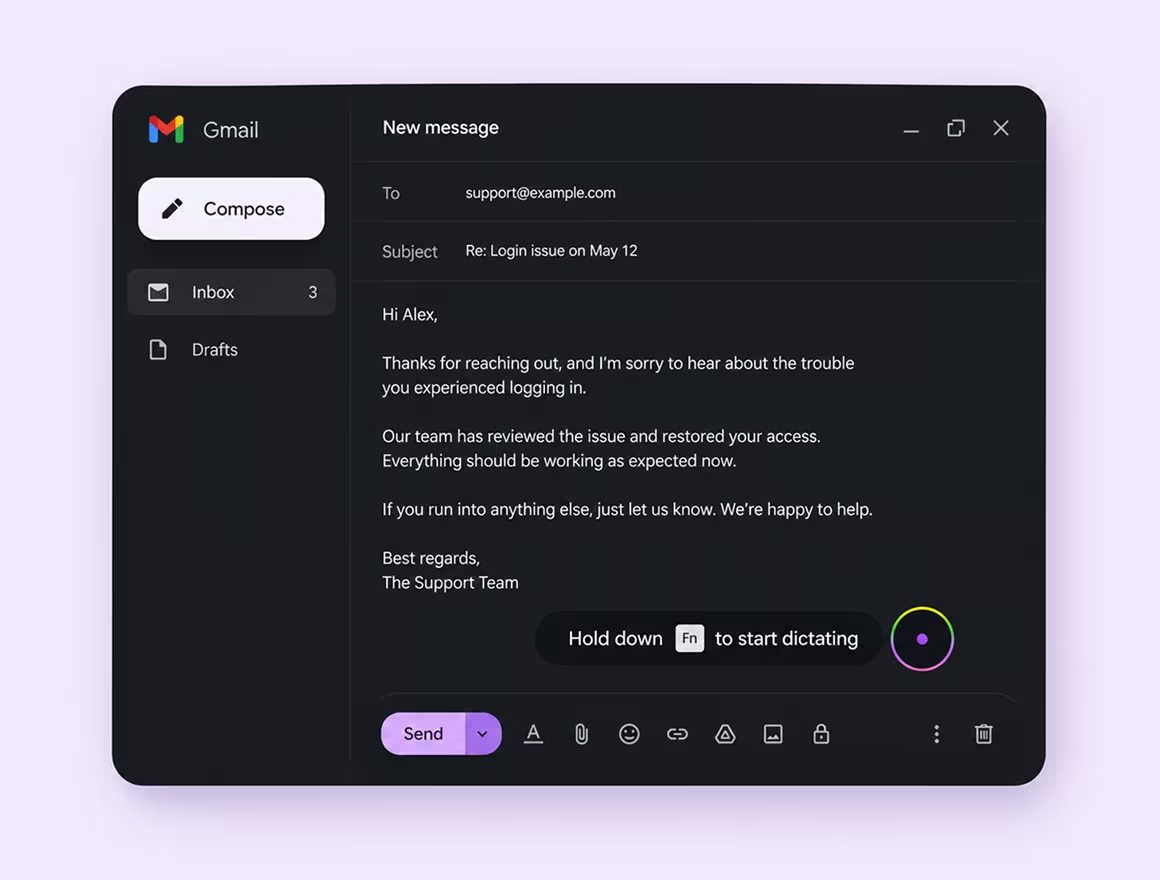
Follow up with prospects faster
Turn rough thoughts into clear, personal sales follow-ups. Swifly sharpens tone, structure, and wording — so every message feels polished and ready to send.
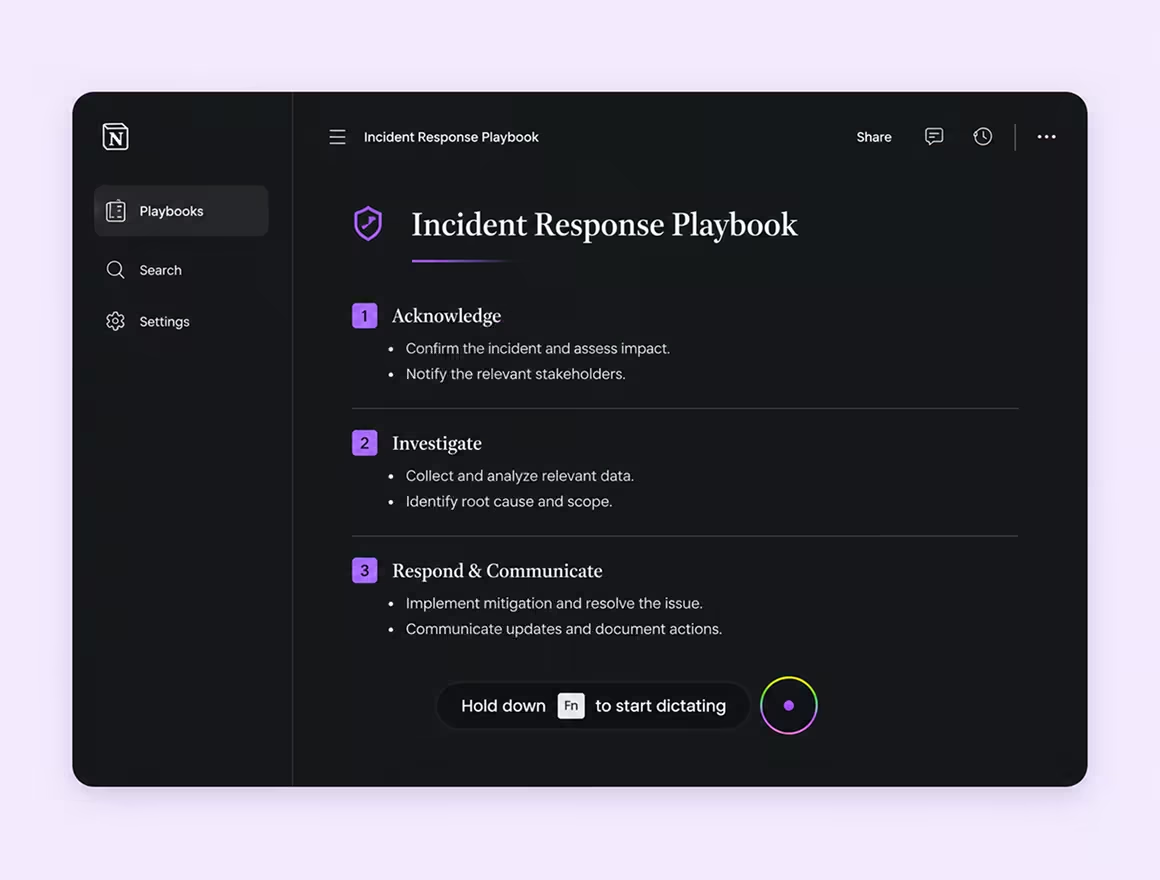
Keep CRM records up to date
Update deal notes, next steps, and pipeline records by voice. Swifly turns spoken thoughts into clean, structured CRM updates your team can actually use.
Turn your voice into more deals.


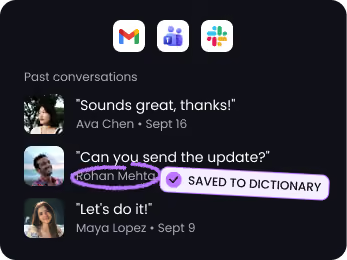
Get every name right
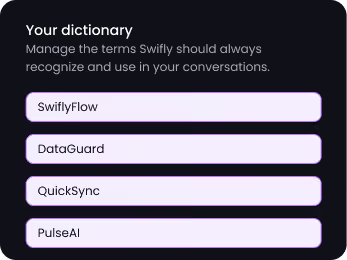
Swifly recognizes the names, companies, and terms you use most — so your voice turns into accurate text, even with tricky spelling.


One voice. 100+ languages.
Swifly understands the language you're speaking and transcribes it instantly — even when you move between English, French, Spanish, Italian, and more.








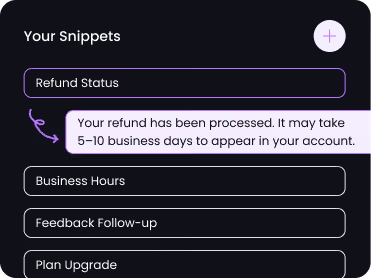
Snippet library
Save your most-used replies as voice shortcuts. Say "refund status" and Swifly inserts the full message instantly.
Private by design
Swifly dictation uses cloud processing and requires an internet connection. Read our privacy policy for details on data handling, retention and privacy controls.



Personal dictionary
Swifly automatically learns your custom terms, abbreviations, and jargon, then adds them to your personal dictionary for more accurate responses.
Polish or translate any text in one click
Select something you typed or dictated. Hit the wand to clean it up, or the globe to translate it — right where you're working.
Dictate in one language, write in another
Pick a target language once, then dictate as you always do. Swifly types the translation straight into your email, chat, or doc — no copy-paste, no switching tools.
The right tone for every app
Swifly knows where you're writing. The same words come out formal in Gmail, casual in Slack, and relaxed in WhatsApp — no rewriting needed.
Write faster, wherever you work
Swifly helps you turn your voice into clear messages, replies, notes, and docs — whether you're at your desk, on your phone, or moving between both.

